From CAD File to Shipped Part: How Instant Quoting Works
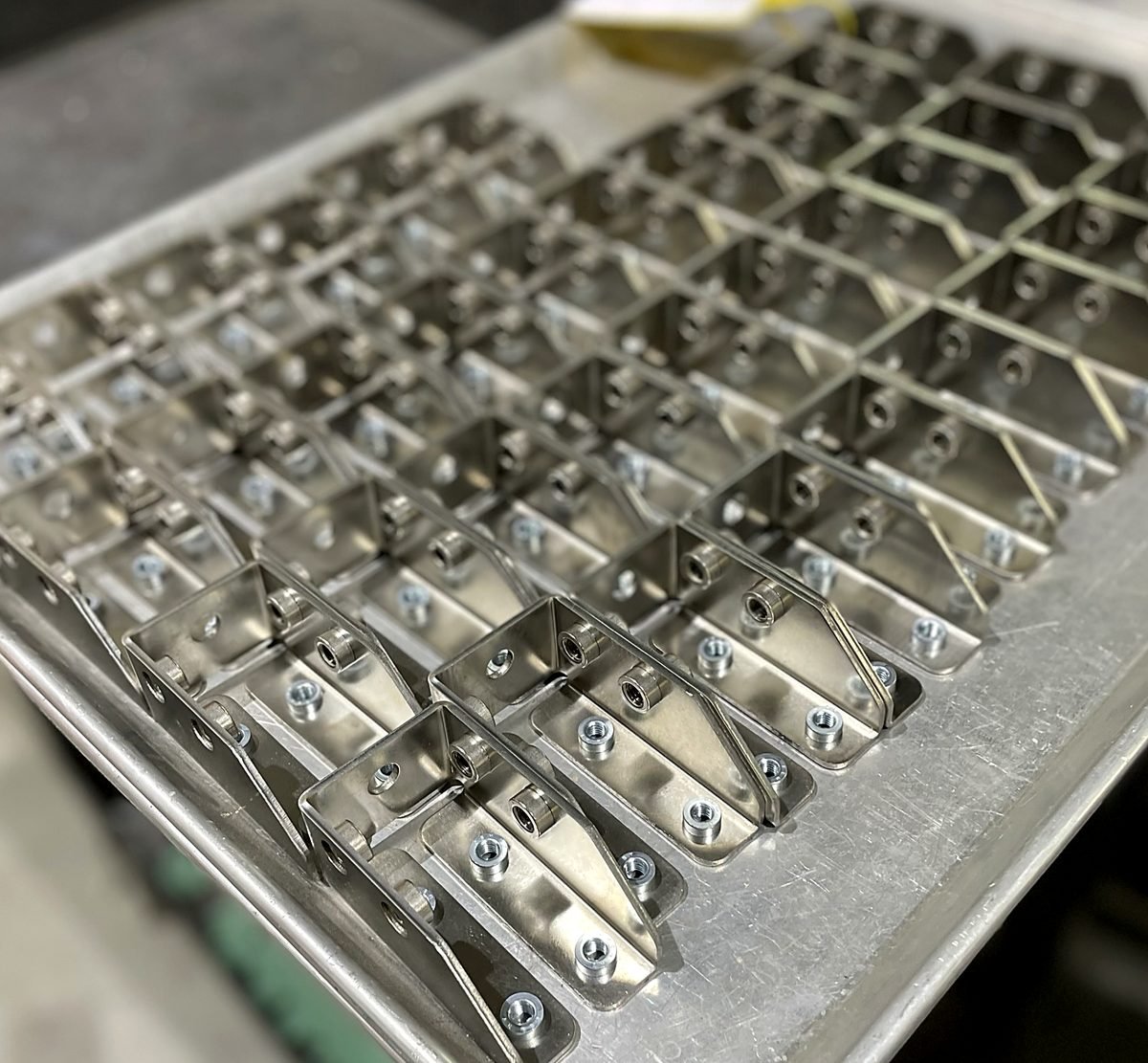
Parts in days, not weeks is not a slogan about working faster. It is what happens when you take the waiting out of every step between your CAD file and a shipped box. This is the behind the scenes tour: what the portal reads the moment you upload, when a real person steps in, how added operations get onto the order, and why everything moving under one roof is the part that actually saves the weeks.
The four steps, start to finish
Everything happens in the quote portal, and you do not need an account to see pricing. The flow is short on purpose:
- Upload your files. Drag a STEP, STP, or DXF onto the page.
- Get instant pricing. Standard parts price automatically; complex jobs get an estimator checked quote.
- Choose your lead time. Pick the turnaround that fits your schedule and budget.
- Order and track. Check out online and your parts ship nationwide from Littleton, MA.
For the click by click version of the whole thing, the complete ACP order guide walks every screen. This post is about what happens under the hood.
Minute one: your file becomes a price
When you upload a STEP or DXF, the platform reads the geometry directly: the profile it has to cut, the holes and features, and the overall size of the part. A STEP file also carries the real three dimensional shape and scale, so a formed part brings its bends with it. A DXF is read as flat geometry at whatever scale you exported.
For standard cut and formed parts, that reading is enough to return real pricing and lead time options right away, at midnight or on a Sunday. There is no sales rep opening your email on Tuesday and no promise to get back to you. The quote step that takes a week at many shops takes minutes here.
Standard price or estimator checked quote
Not every part fits inside the automated path, and that is by design. The platform prices the standard work instantly and routes everything else to an estimator so a person applies judgment where it matters. A job goes to an estimator checked quote when it involves:
- A material, thickness, or part size that is not a selectable option.
- Tighter than standard tolerances, a critical radius, or unusual forming.
- Hardware insertion, or a finish that is not selectable in the instant quote.
- Machining, special inspection, or a CAD file and PDF that conflict.
The estimator checked path is still fast, the team reviews your file and returns the quote directly. The Instant Quote vs Custom Quote page spells out exactly which parts go which way.
Operations have to be selected, not noted
Here is the rule that saves the most remakes. On an automated quote, the price reflects what you select and see listed, not what you wrote in a note or attached as a PDF. Tapping, countersinks, deburring, and other added operations are only included when they are on the line.
One roof, fewer queues
The other place weeks disappear is between vendors. At ACP, waterjet and laser cutting, press brake forming, tapping, deburring, and hardware all happen in the same building. A part that would otherwise tour three shops, with freight and a fresh queue at each stop, just moves across the floor instead.
- No freight time lost shipping a half finished part to the next vendor.
- No waiting in a new queue every time the part changes hands.
- Most parts leave the building complete, so you get one delivery, not three.
That is the real math behind days, not weeks. It is not heroics, just fewer queues. Cutting starts at the waterjet or laser, depending on the part; waterjet or laser covers how that call gets made.
Lead time, tolerances, and shipping
Once the part is priced, you choose a lead time that fits your schedule and budget, check out, and the parts ship nationwide from Littleton, MA with tracking. A few things worth knowing before you pick:
- Standard cutting tolerances are ±0.010″ on outside profiles and ±0.005″ on holes. Tighter than that routes to a custom quote.
- Files come from everywhere and parts ship nationwide, so the upload is the same wherever you are.
- The Ordering and Shipping page has the full picture on how orders move.
No minimum, so prototype now and scale later
There is no minimum order, which changes how you can use the tool. A single prototype moves through the exact same flow as a production run, so you can quote one piece to prove a design, then come back and re quote the real quantity without redoing anything.
What you can do to keep it fast
The cleaner the file, the cleaner the quote. Most held quotes trace back to a file the platform could not read confidently:
- Model and export at 1:1, and send one part per file rather than a nested sheet.
- Use STEP for formed and three dimensional parts, and a clean DXF only for truly flat parts. Our walkthrough on exporting a clean STEP or DXF covers the details.
- Select every operation in the quote instead of leaving it in a note, and pick a stocked material and thickness from the Materials list.
Quick checklist
- STEP for formed parts, clean DXF at 1:1 for flat parts, one part per file
- Material and thickness chosen from a stocked, selectable option
- Every operation selected on the line, not written in a note
- Standard tolerances understood: ±0.010″ profiles, ±0.005″ holes
- Lead time chosen to fit the schedule, then order placed and tracked
- Prototype quoted first, production quantity re quoted with no minimum